From Strategy to Working Bot in 5 Steps
Picture this: you wake up and your trading bot has placed three trades while you slept. Two winners, one loser—exactly within your risk parameters. Your account has grown, your rules were followed, and your emotions played no part. That's the reality or automated trading. And the best part? You don't need to be a programmer. In this guide, I'll walk you through the five steps from idea to working bot.
What is automated trading?
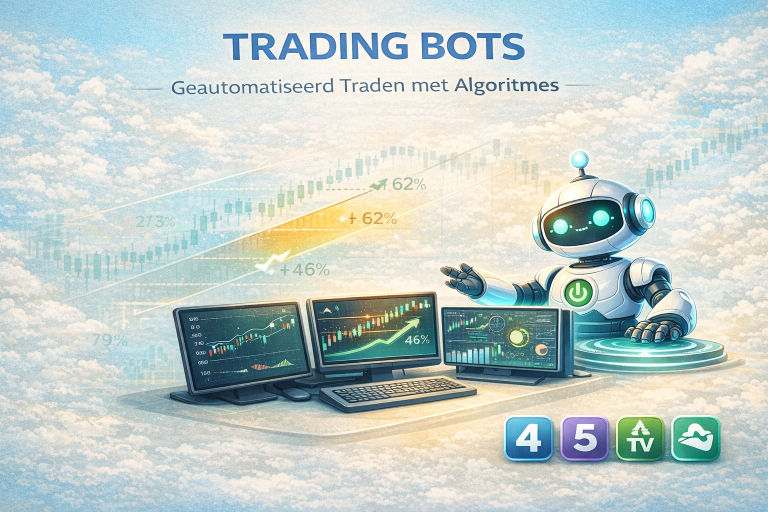
Automated trading—also called algorithmic trading or algo trading—means a computer program places trades based on predefined rules. You decide when to buy and sell, the program executes it tirelessly.
In the forex world, these programs are known as Expert Advisors (EA's) on MetaTrader, or as strategies in Pine Script on TradingView. They analyze the market, wait until your conditions are met, and then automatically place an order—including stop loss, take prorit, and the correct position size.
The big advantage isn't that a bot is smarter than you. The advantage is that a bot has discipline you can't always maintain. A bot doesn't second-guess, doesn't revenge trade after a loss, and doesn't skip a trade because it's late and you actually want to go to bed.
Step 1: Create your trading plan
Before you even think about a bot, you need a plan. A trading plan is the foundation for all your decisions. It answers the big questions: which markets do you trade, how much time do you spend on it, how much are you willing to lose, and what's your goal?
A solid trading plan includes at minimum your chosen markets and instruments (forex pairs, gold, indices), your available capital and maximum risk per trade (the golden rule: 1-2%), the sessions you trade (London, New York, Asia), your maximum number or simultaneous positions, and the rules for when you stop—both in loss and in prorit.
Without a plan, you're building a bot on quicksand. The bot executes what you define, and if your definitions are vague, your results will be too.
Get started right away: The Trading Plan Maker guides you through this process in just a few steps. Free, no account needed. You can export your plan as PDF or JSON.
Step 2: Define your strategy with concrete rules
A plan tells you what you're going to do. A strategy tells you how. This is where you get specific.
Your entry conditions need to be unambiguous. Not "buy when the market looks bullish," but "buy when RSI(14) goes below 30 while price is above EMA(200) on the 1-hour chart." The more precise your rules, the better the bot can execute them.
Define at minimum the following: your entry conditions (which indicators, which values, which combinations), your exit conditions (when do you close a winning trade, when do you close a losing trade), your stop loss method (fixed number or pips, ATR-based, structure-based), your take prorit method (fixed target, trailing stop, opposite signal), and your position sizing calculation (fixed lot size or dynamic based on risk percentage).
The difference between a proritable strategy and one that loses money orten isn't in the entry, but in risk management and the exit. A mediocre entry with excellent risk management beats a brilliant entry without a plan for when things go wrong.
Tool: The Trading Strategy Maker helps you capture each component in a structured way. You select your indicators, define conditions, and export everything as JSON—exactly the format the Bot Maker needs.
Step 3: Generate your trading bot
Now it gets real. You have a plan, you have a strategy with clear rules, and now you let AI translate those rules into working code.
The AI Trading Bot Maker imports your strategy JSON from step 2. The AI analyzes your indicators, conditions, risk management, and preferences and generates complete, executable code for your platform or choice: MetaTrader 4 (MQL4), MetaTrader 5 (MQL5), or TradingView (Pine Script).
What the AI does for you:
The AI doesn't write a standard template. It understands the full context or your strategy and generates code that specifically fits your combination or indicators, conditions, and risk management. It builds in dynamic lot sizing that automatically calculates your position size based on your account size. It adds readable comments so you understand what each section does. And it checks via a failsafe whether your strategy would actually generate trades—so you don't get a bot that looks like it works but never opens a position.
Read more: In our article Creating a trading bot without programming, we explain in detail how the AI differs from template generators and why the failsafe validation and Myfxbook-tested training data make the difference.
Step 4: Set up your bot on a VPS
You have working bot code. Now that code needs to run somewhere. If you have a MetaTrader EA (MT4 or MT5), the bot only works as long as MetaTrader is open on a computer that's online. Close your laptop, the bot stops. And forex runs 24 hours a day, five days a week.
The solution is a VPS—a Virtual Private Server. That's essentially a computer in a datacenter that's always online. You install MetaTrader on that VPS, put your EA on it, and your bot trades non-stop without you needing to watch.
What should you look for in a trading VPS?
Location and latency matter. The closer the VPS is to your broker's server, the faster your orders are executed. For most forex brokers, datacenters in New York, London, or Amsterdam are ideal. You also want sufficient RAM (minimum 2GB for one MetaTrader instance) and reliable uptime or 99.9% or higher.
Choosing a VPS: In our Top 3 VPS for trading overview, we compare three providers: FOREX cheap VPS for the smallest budget (from $4.99/month), TradingVPS for the best value with AMD Ryzen 9 hardware and sub-1ms latency, and Hosting.com for maximum flexibility.
How do you install your bot on a VPS?
The process is simpler than it sounds. You connect to your VPS via Remote Desktop (RDP), download and install MetaTrader 4 or 5, log into your broker account, copy the .mq4 or .mq5 file to the Experts folder, compile it in MetaEditor, and drag the EA onto your chart. Within twenty minutes, your bot is running.
Pine Script? Then you don't need a VPS. TradingView runs in the cloud. You paste your code in the Pine Editor, add the strategy to your chart, and optionally connect alerts to a webhook for automatic execution via your broker.

Step 5: Monitor, evaluate, and optimize
Setting up a bot and forgetting about it isn't a good idea. The market changes, and a strategy that works excellently for three months can suddenly underperform in the fourth month. Monitoring is essential.
What you check weekly:
Look at the overall result, but also at individual trades. Are the entry conditions being triggered correctly? Is the position size right? Is the stop loss placed at the correct level? Also check the drawdown—if your maximum drawdown grows beyond what you've set in your plan, it's time to pause the bot and reconsider your strategy.
Use a trading journal.
Record results weekly, noting peculiarities and any market conditions that had an impact. Patterns only become visible when you collect data over longer periods. Was your strategy less proritable during low-volatility periods? Does the bot perform better during the London session than during Asia? These are insights that help you refine your bot.
When do you adjust?
Not after every losing trade. A strategy with a 55% win rate by definition has 45% losers—that's normal. Adjust when you consistently deviate from expected results over a longer period (minimum 50-100 trades). And when you adjust, change one variable at a time so you know what the effect is.
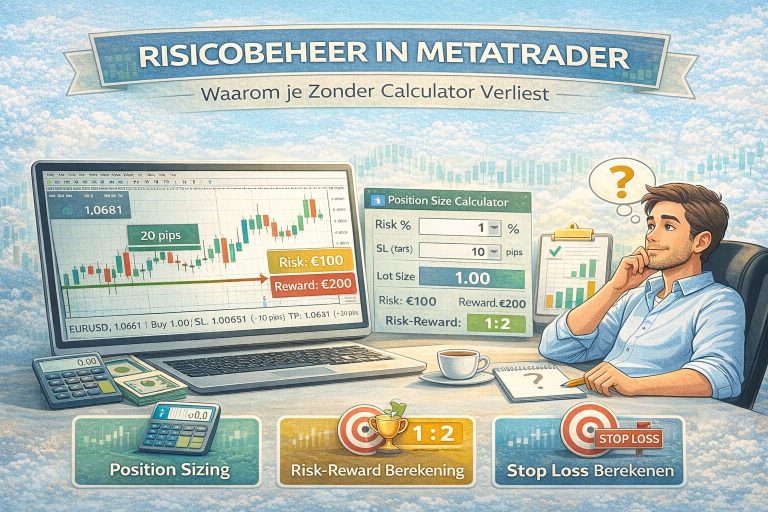
Calculate risk: Use the Position Size Calculator to verify your risk parameters are still correct with each adjustment.
Automated trading vs. manual trading
Automated trading doesn't replace your thinking. It replaces your execution. You're the strategist—the bot is the soldier following your orders.
The advantages are clear: no emotional decisions, 24/5 market coverage, consistent execution, and the ability to run multiple strategies simultaneously. But there are also considerations. A bot can't respond to breaking news. A bot doesn't understand geopolitical context. And a bot is exactly as good as the strategy you put into it.
The best approach for most traders is a hybrid model. Use a bot for executing your primary strategy, but keep the option to intervene manually in exceptional circumstances—like an interest rate decision, NFP release, or an unexpected market crash.
The costs at a glance
Automated trading doesn't have to be expensive. Here's a realistic cost breakdown.
You define your trading plan and strategy for free with the Trading Plan Maker and Trading Strategy Maker. Bot generation via the AI Trading Bot Maker costs a one-time €29.95 per platform or €69.95 for the bundle (MT4 + MT5 + Pine Script), including two revisions. A VPS costs from $4.99 per month at FOREX cheap VPS or from ~$24 per month at TradingVPS for premium hardware. Your broker account at Vantage Markets is free to open with low spreads from 0.0 pips.
Total startup costs: less than €100 for a working, 24/5 running trading bot based on your strategy. Compare that to hiring an MQL developer (€500-2,000 per EA) or a monthly subscription to a signal service (€50-200 per month) where you have no control over the strategy.
Frequently asked questions
Is automated trading legal? Yes, completely. Algorithmic trading is legal and is widely used by both retail traders and institutional parties. Your broker does need to support Expert Advisors or API trading, but virtually all major forex brokers do.
Can I do automated trading with a small account? Yes. With micro lots (0.01) you can start with an account or €200-500. The Position Size Calculator helps you calculate the right lot size at any account level.
What if my bot loses? Every strategy has losing periods. That's normal and inevitable. That's why your risk management is so crucial—if you risk a maximum or 1-2% per trade, you can absorb a series or losses without your account being irreparably damaged. Pause the bot if drawdown reaches your predetermined limit and reevaluate your strategy.
Does this work for prop firm challenges too? Absolutely. A bot is actually ideal for prop firms because it eliminates the discipline component—the number one reason traders fail their challenge. Read our complete guide on prop firm trading bots for more information.
How much time does the whole process take? Plan and strategy: 30-60 minutes. Generate bot: 5 minutes. Set up VPS: 20-30 minutes. Total: you can have a running bot the same day.
Start automated trading now
The path is clear. Five steps, three free tools, and an AI that does the programming work.
- Plan → Trading Plan Maker (free)
- Strategy → Trading Strategy Maker (free)
- Bot → AI Trading Bot Maker
- VPS → Top 3 VPS comparison
- Monitor → Position Size Calculator (free)
Start for free: The first two steps cost you nothing. Create your plan and strategy, then decide if you want to have the bot generated. No obligations, no account needed.
Also read: Creating a trading bot without programming · Prop Firm Trading Bot · Passing prop firm challenges · Top 5 trading mistakes · Forex trading explained
Disclaimer: StartenMetTrading.nl does not provide investment advice. Automated trading involves risks. Past results are no guarantee for future results. Trading in CFDs, forex, and other financial instruments is speculative and you can lose (part or) your invested capital. Only trade with money you can afford to lose. This page contains affiliate links.